📋 Quick reference
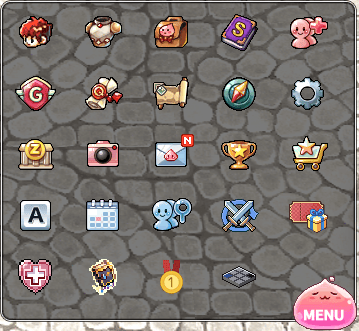
Shortcuts
🧍 Character
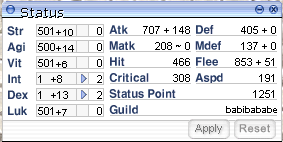
Status
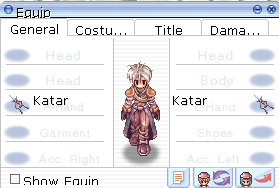
Equip
- Tabs: General, Costume, Title and Damage.
- Tick Show Equip to let other players see your gear.
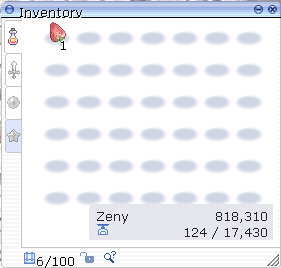
Inventory
- Four item tabs.
- Shows your Zeny, current weight and slot count (100 slots).
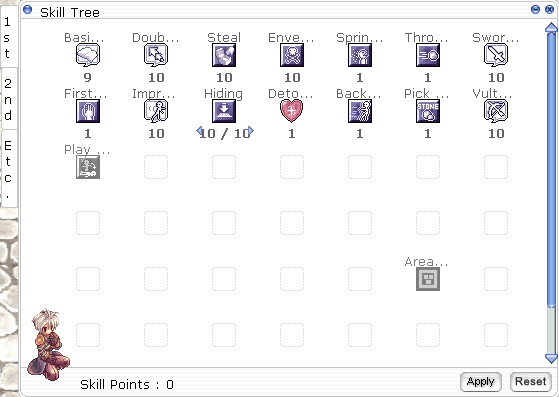
Skill Tree
- Tabs: 1st, 2nd and Etc.
- Shows Skill Points left. Spend them, then press Apply, or Reset.
👥 Social
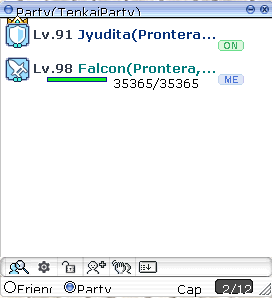
Party
- Lists members with ON (online) and ME (you) tags.
- Switch between the Friend and Party lists.
- A party holds up to 12 members.
Guild
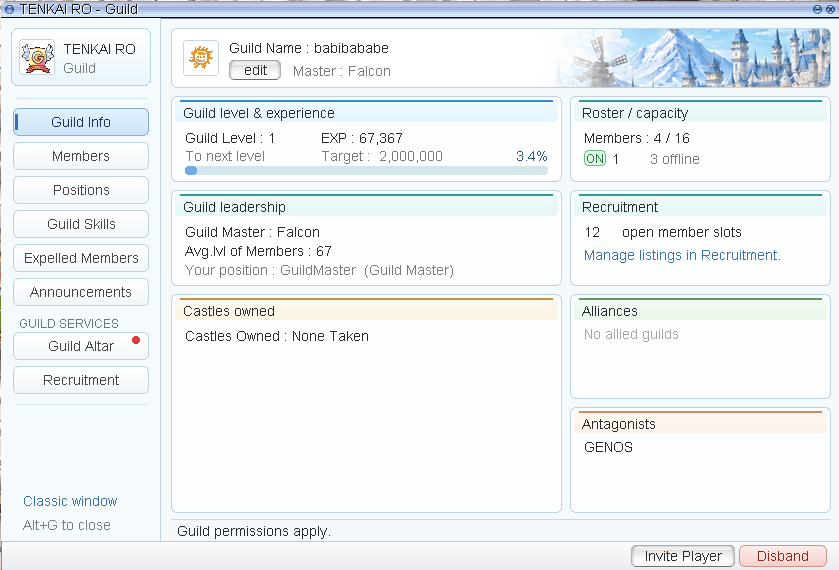
A custom TENKAI RO - Guild window. Press Alt+G to open or close it, or use the Classic window link to open the old guild window.Guild permissions apply: what you can do depends on your position in the guild.
RodEx (Ro Delivery Express)
Your Hourly Coin arrives here as mail from Gold PC Cafe and stays for 14 days. Spend the coins at the Hourly Coin NPC (Alberta,
@guide).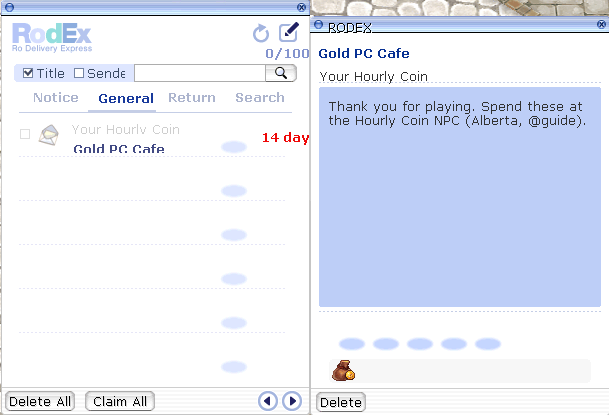
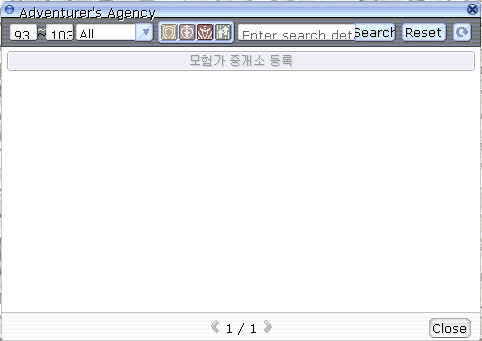
Adventurer’s Agency
Find party members or a party to join.- Filter by level range and job (or All), or use the class icons.
- Type in the search box to search by details, then press Search. Reset clears the filters.
- Register your own listing with the bar under the filters.
- Results are split into pages.
🗺️ Map and travel
World Map
The whole world with dungeons and fields labelled, from Glast Heim, Geffenia and Niflheim to Payon Cave and Prontera Culvert.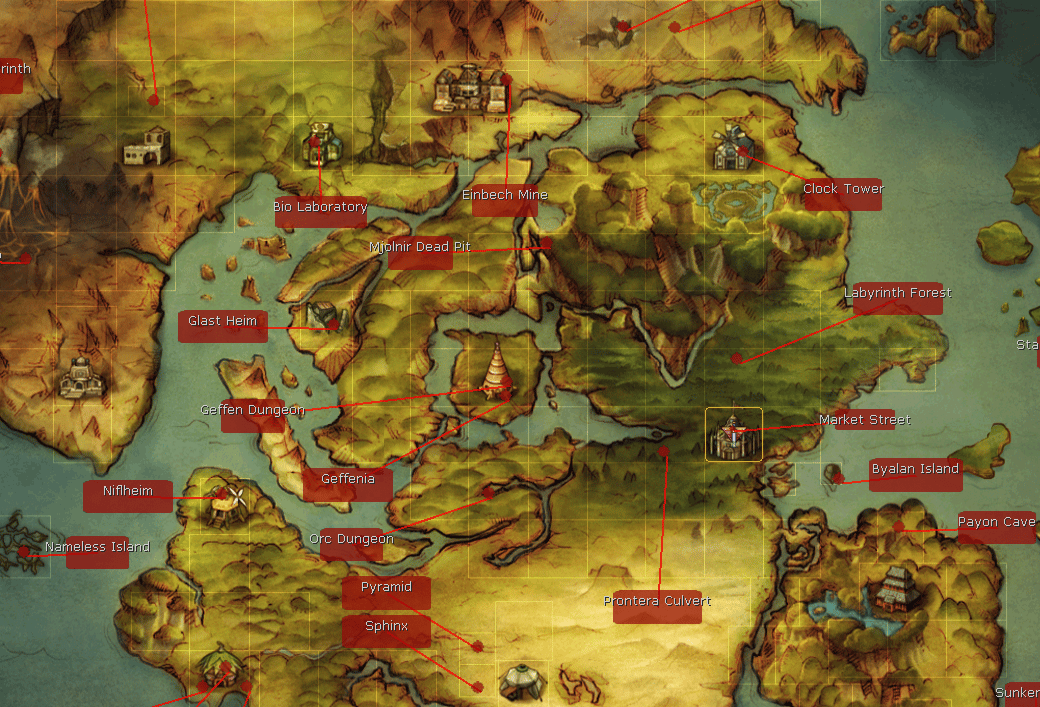
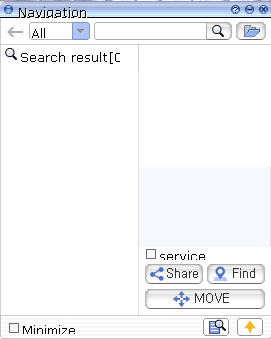
Navigation
- Pick a filter (All by default) and type what you are looking for.
- Choose a result from the Search result list.
- Press Find to show it, or MOVE to head there.
Graymap Settings
Recolours the walkable-cell overlay on the map. Toggle it on or off with Ctrl+Shift+M.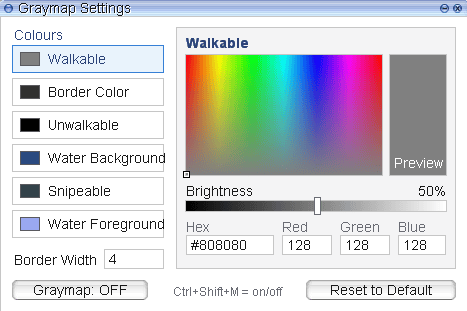
🏆 Progress
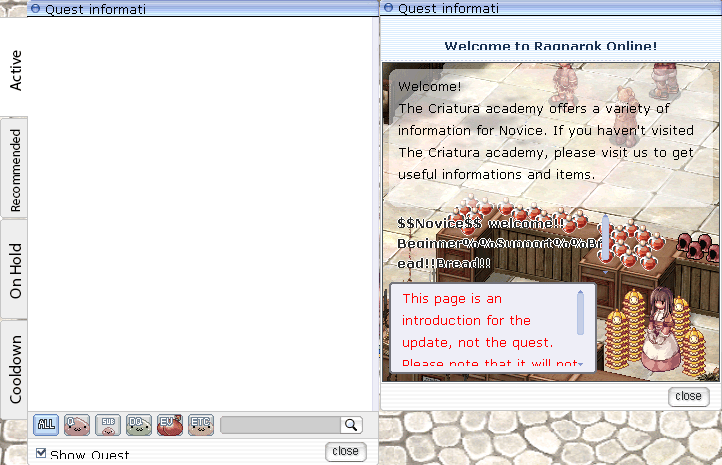
Quest Information
Achievements
Shows your achievement level and points. Summary shows progress per category and your most recently completed achievements.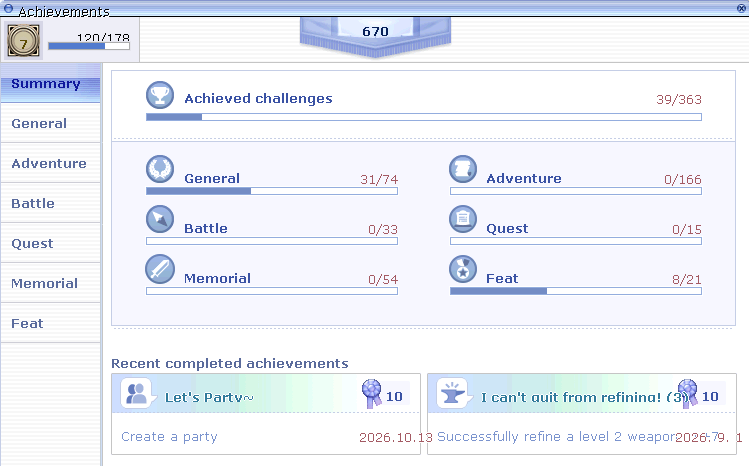
Battle Pass
50 levels per season, levelled with Battle Pass EXP.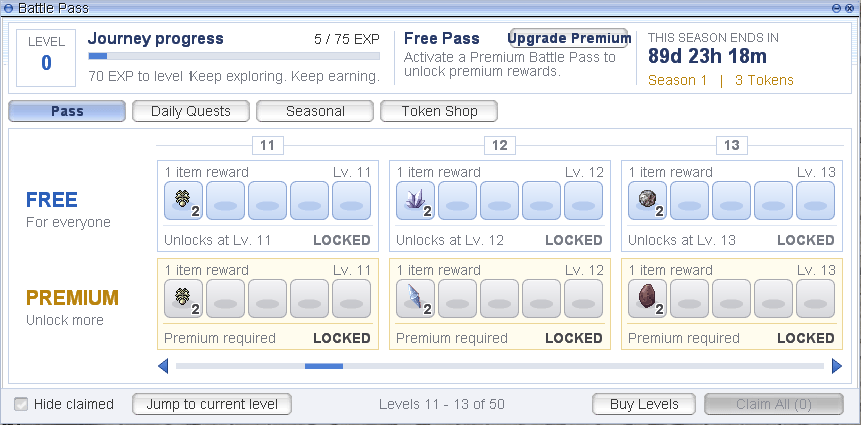
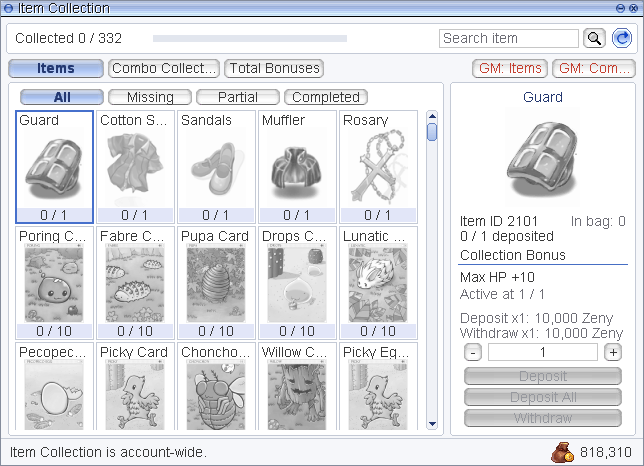
Item Collection
Deposit items to unlock permanent bonuses. There are 332 items to collect.Item Collection is account-wide: every character on your account shares it.
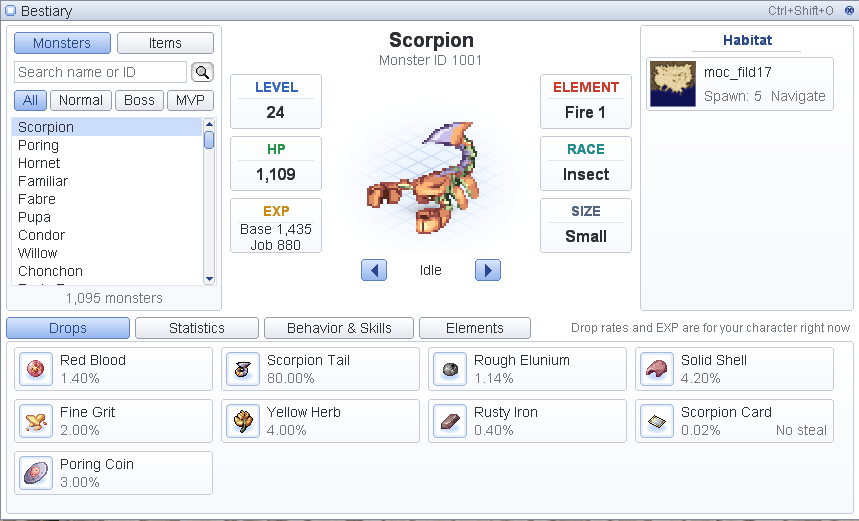
Bestiary
The in-game monster and item database. Open it with Ctrl+Shift+O.Drop rates and EXP are calculated for your character right now. Items that cannot be stolen are marked No steal.
🤖 Automation
Tenkai Auto Battle
Auto Hunt that runs on the time you have left.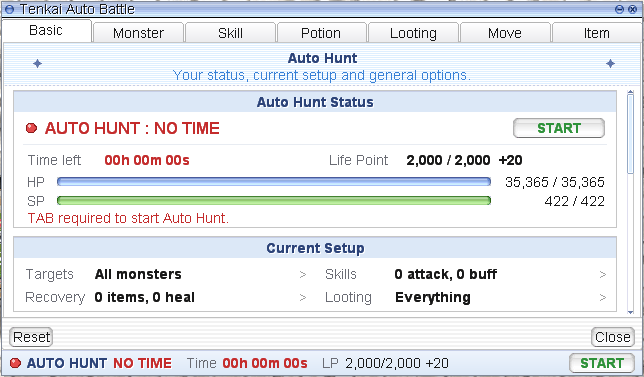
AutoSupport
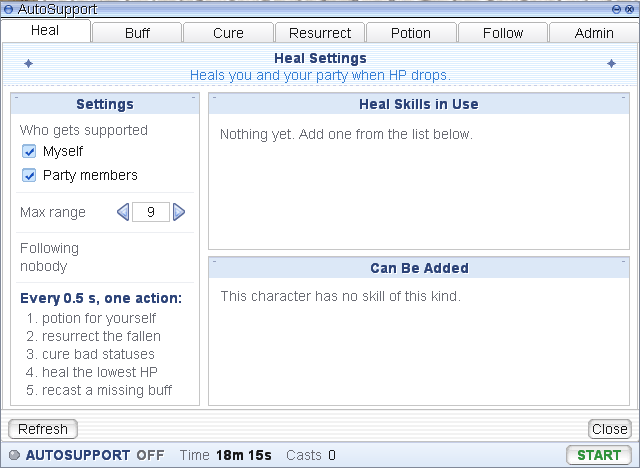
Heals and supports you and your party automatically.- Tabs: Heal, Buff, Cure, Resurrect, Potion, Follow and Admin.
- Choose who gets supported (Myself, Party members) and the max range (9 cells by default).
- Each tab lists the skills in use and the skills that can be added.
- The bottom bar shows run time and number of casts.
- Potion for yourself
- Resurrect the fallen
- Cure bad statuses
- Heal the member with the lowest HP
- Recast a missing buff
🧰 Utility
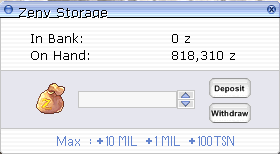
Bank
A Zeny bank showing In Bank and On Hand.- Type an amount, or use the +10 MIL, +1 MIL and +100TSN shortcuts.
- Press Deposit or Withdraw.
Replay
Records gameplay. The bar shows a timer with play, save and close buttons.
Game Options
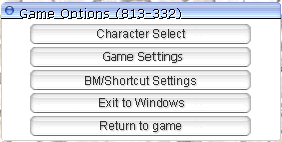
Character Select · Game Settings · BM / Shortcut Settings · Exit to Windows · Return to game.